Everything a practice does, in one system.
Built by accountants who run a practice, from the first price you quote to the last reminder you send. Jump to the part you care about.
Quote with confidence.
Price every engagement the same way and put the fee straight into the proposal.
Pricing tools
Build a fee from the services a client needs, their size and the time you expect to spend. Reuse your own rates so every quote is consistent.
Catch-up fees
Taking on a client who is behind? Add a catch-up fee for each late period so the extra work is agreed before it starts.
Every letter you send, written once and branded for you.
Merge fields fill in the client, the services and the fee. Add your own logo, colours and sign-off so every letter looks like it came from your practice, and each practice in a group keeps its own branding on the same template.
Dear{client_name}
Thank you for appointing{firm_name}as your accountants. We will provide the following services:{services}.
Our fee for these services is{fee}.
Letter of engagement
Set out the services, the fee and each side’s responsibilities, then send it for signing. The services and fee fill in from the client record.
Your own branding
Upload your logo, choose your brand colour and set your address and sign-off once in Settings. Every letter and email you generate carries them, and each practice in a group can have its own.
Document templates
Keep every letter and form as a reusable template, with merge fields for names, services, fees and dates. Edit the wording once and every new letter follows.
Nothing slips through.
See where every job is, what is next, and who is on it.
Workflow management
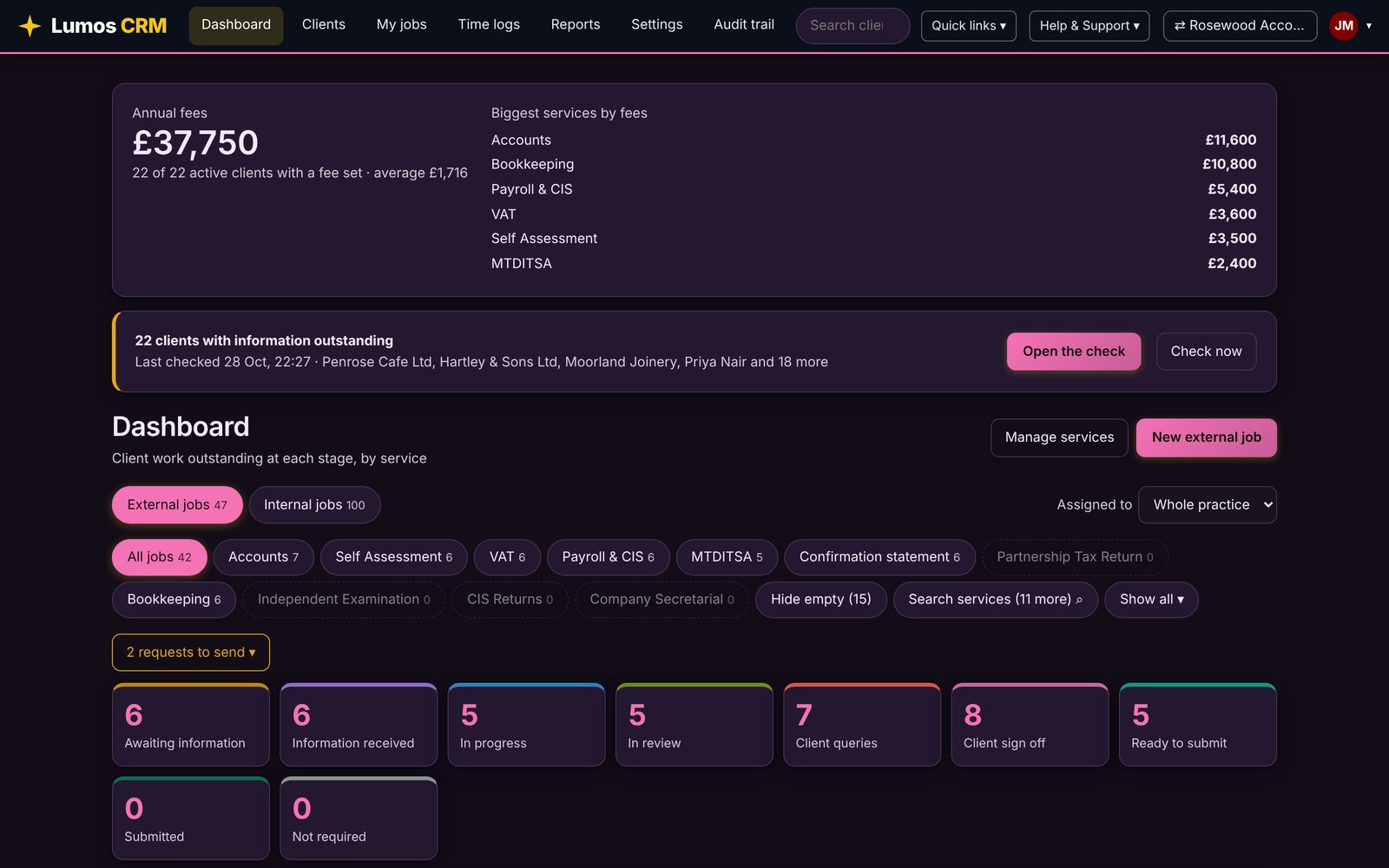
One dashboard for every client job, by service and stage, with a traffic light for internal and external deadlines.
Job phases
Give each service its own phases and choose which ones count as finished. Rename, reorder and add them in settings.
Checklists
Turn your quality steps into checklists on each job, so the same checks happen every time, whoever does the work.
Automatic reminders
Information requests are prepared at the time you choose and chased on your schedule. You review them and press send.
Timesheets
Log time against clients and services, and see where the hours go without leaving the record.
Your colours, all the way through Lumos.
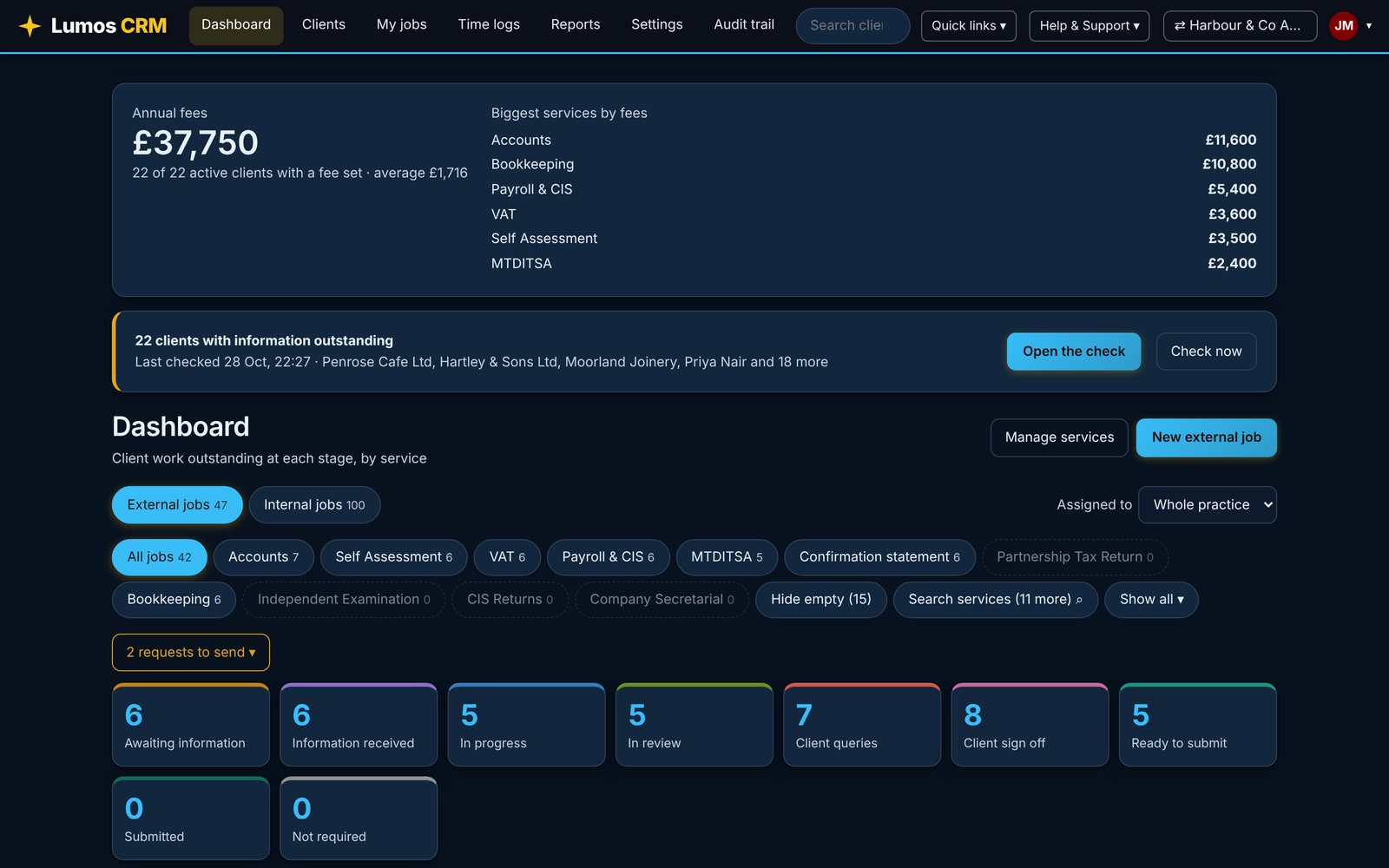
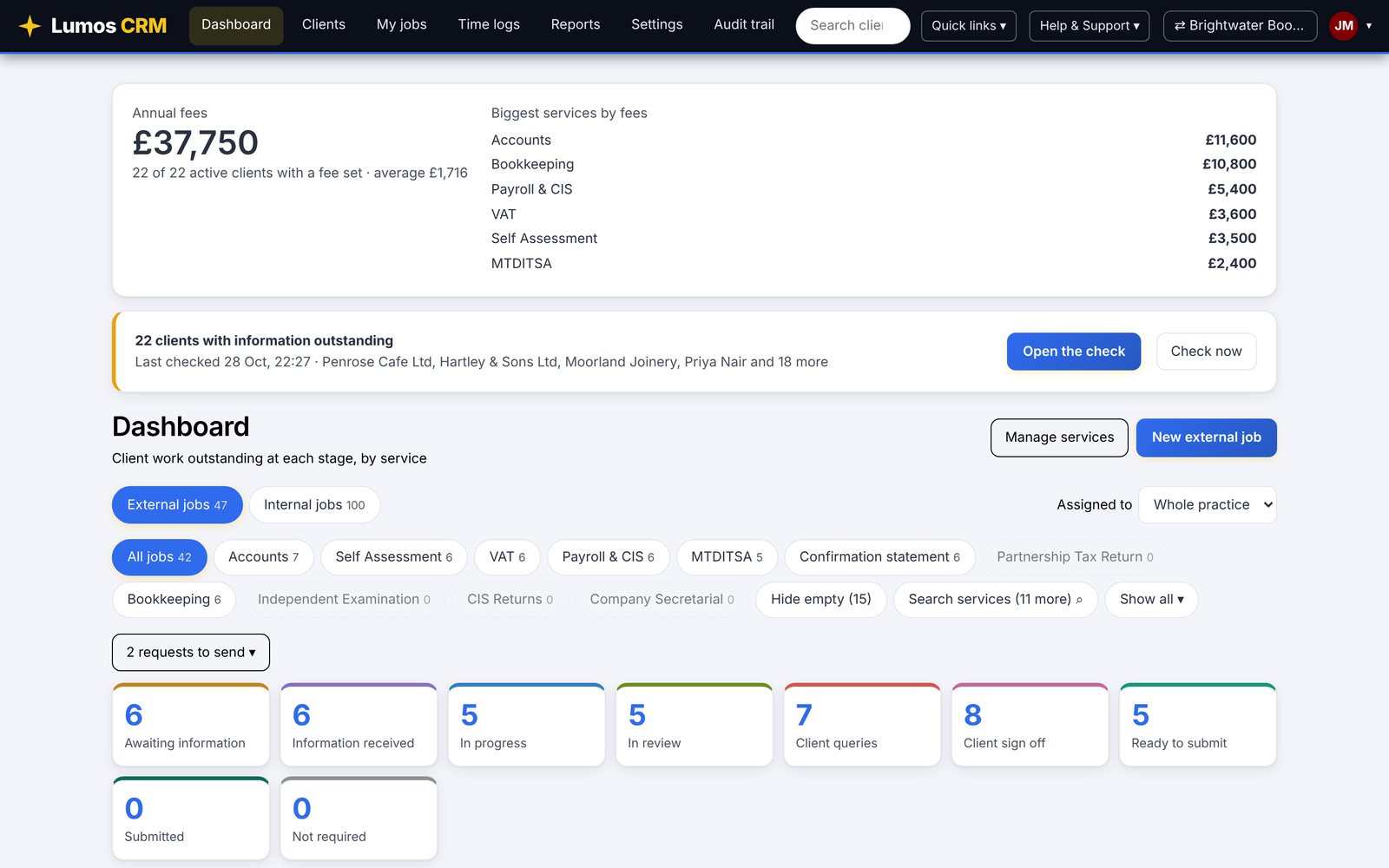
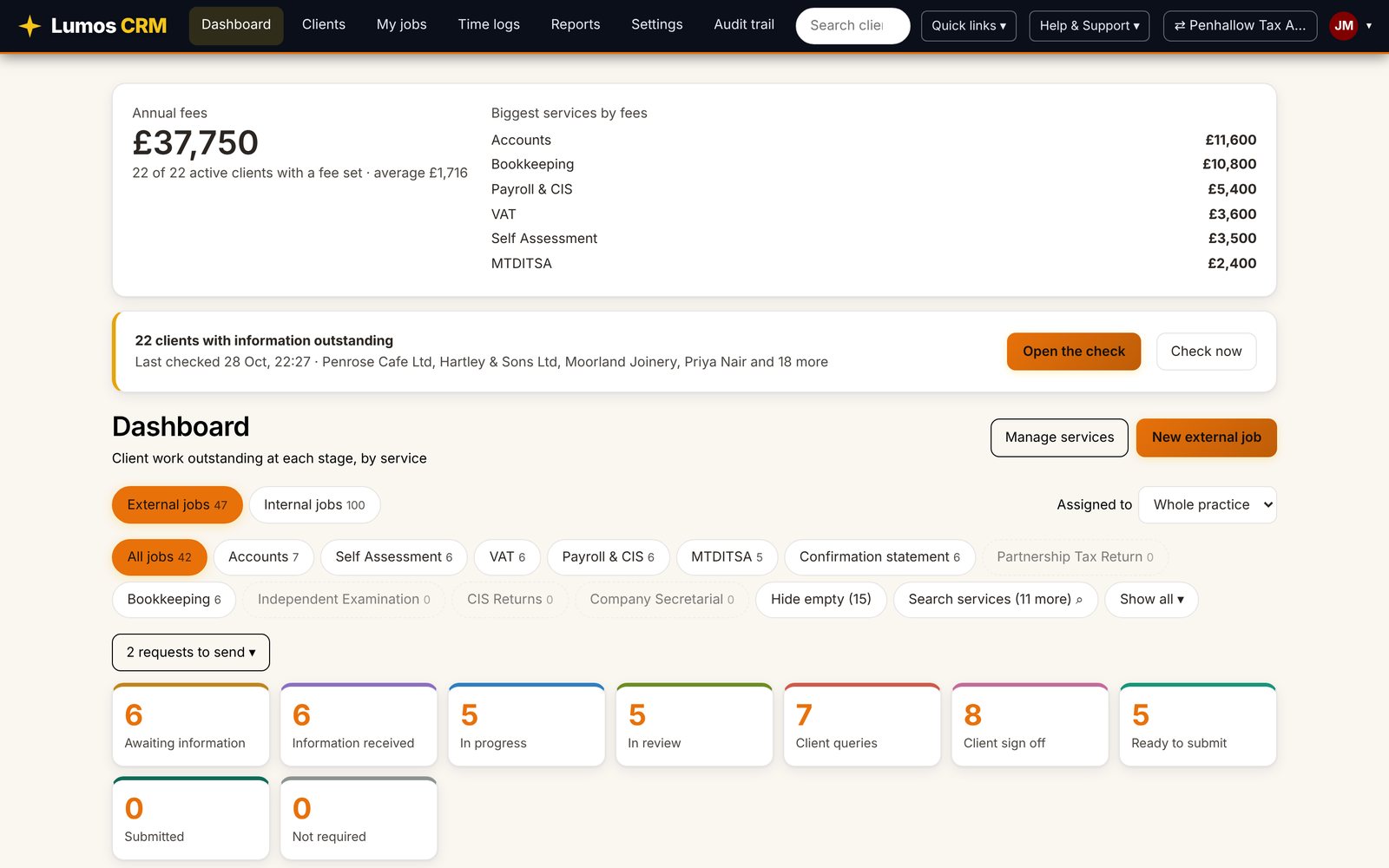
The colour palette tool restyles the whole system for your practice: the top bar, buttons, tabs, cards, tables and text. Start from a ready-made palette, or make it completely your own: any colour you like for the accent, top bar, background, cards and text. Try it below, the section changes as you choose.
Choose a palette
Start with one of these, then change any colour. Nothing is locked.
Fully customisable: pick any colour
The ready-made palettes are only a starting point. Click any swatch below and choose your exact brand colours. Lumos works out readable button text, borders and hover shades for you, light or dark.
Click any swatch to change that colour and make the palette your own.
Different for every practice
Running a group? Each practice can have its own palette as well as its own letter branding.
Don't like gold and navy? Change it in a minute.
Lumos CRM starts in Lumos Gold, but it doesn't have to stay that way. Every practice can change its colours, background, logo and letters, and nothing applies until you press Save changes.
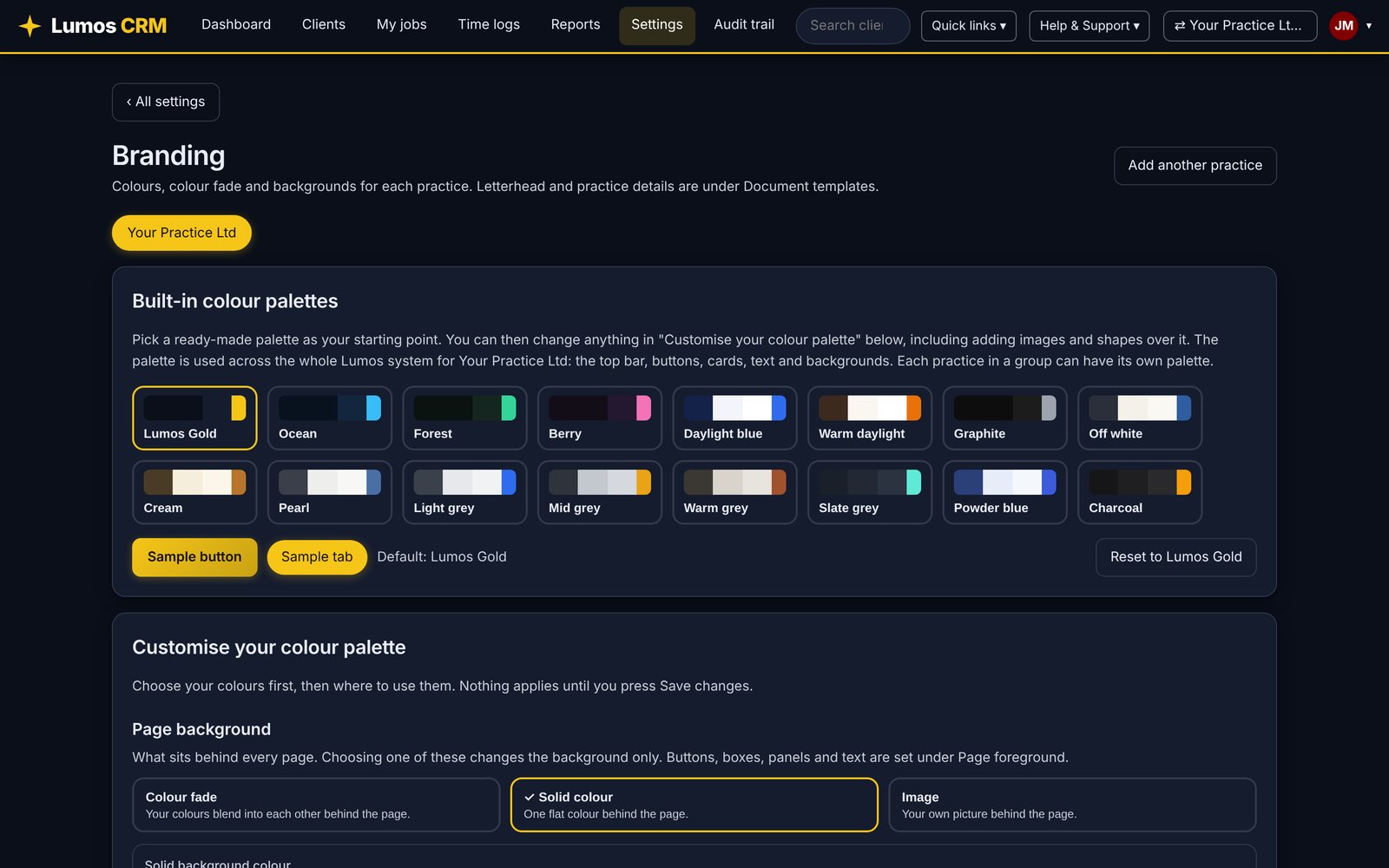
Open Settings, then Branding
Choose the practice you want to change. In a group, each practice has its own branding.
Pick a ready-made palette
Sixteen to start from, dark and light: Lumos Gold, Ocean, Forest, Berry, Daylight blue, Warm daylight, Graphite, Off white, Cream, Pearl, the greys, Powder blue and Charcoal.
Make it exactly yours
Change any colour to your brand colours. Choose a colour fade, a solid colour or your own image behind every page. Lumos keeps button text and borders readable for you.
Add your logo to your letters
Your logo, practice details and sign-off go on engagement letters and emails, set under Document templates.
Real examples
Real screens from Lumos CRM with an example practice. Only the palette and practice name change.
Clients always know where they stand.
One place for clients to sign, send and see, and one set of emails that sound like you.
Client portal
Clients sign letters, upload records and answer requests in one secure place, and you see it all on their record.
Email templates
Write your request, chase and welcome emails once, with merge fields. Each practice can keep its own wording.
Add people and practices without adding cost or complexity.
Unlimited users
Everyone in the practice gets a login, with roles that keep staff to their own work and give managers the full picture. [Confirm commercial terms]
Multi-practice set up
Choose your practice when you sign in, or switch from the top bar. See every practice together in one consolidated view. Share services, stages, templates and timings across the group, with separate clients, team and branding. Every additional practice is half price.